 Syncing Beats
More signal.
Less noise.
Speak into your mic and Syncing Beats measures your pace, counts your filler words and checks how clearly you came through. Then hear any text read back to you.
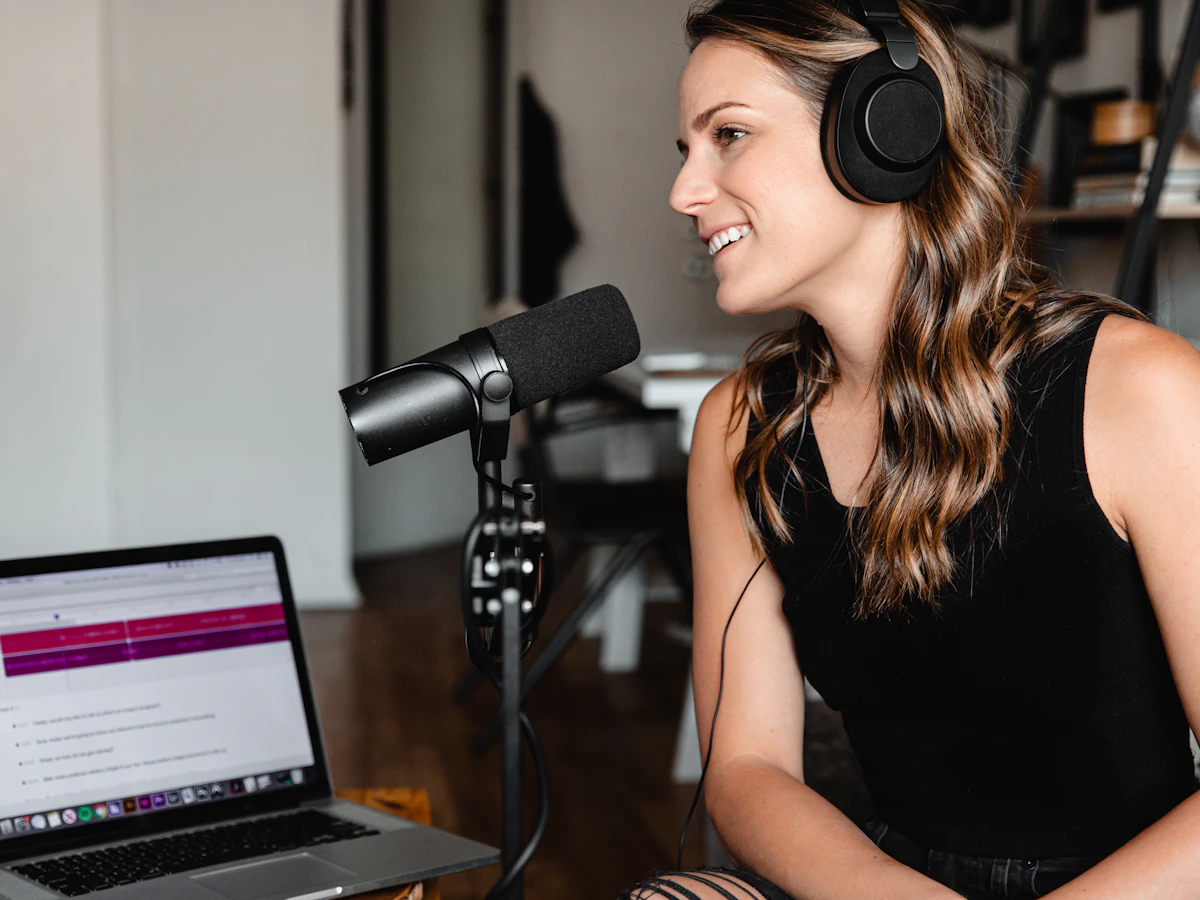
Practise speaking
Pick a script, hit record and read it out at your normal pace. Hit stop when you're done to see your feedback.

Practise for online calls & meetings
Rehearse status updates, client calls, pitches and tough questions. Get scored on 10 parts of your delivery, with tips and a chart of your progress.
Open meeting practice →
Text to voice
Paste a speech, an email or a script and listen to it before you say it yourself. Download the AI voice as an audio file.

AI voices run privately in your browser. Each voice is a one-time download of about 60 MB, then it's saved for next time. Downloads are saved at normal speed.
Uses the voices built into your device. Instant to play, but can't be downloaded.
Read out loud
Pick a script or just talk for 30 to 60 seconds.
See your results
Clear speakers usually land at 130–160 words a minute with very few fillers.
Listen, then repeat
Play the script aloud, copy the rhythm and record again.
Frequently asked questions
Is Syncing Beats free?
Yes. The voice coach, meeting practice and AI text to voice are free to use, with no sign-up.
Does Syncing Beats record or store my voice?
No. Your speech is analysed live in your browser and is not recorded or uploaded to our servers. Speech-to-text uses your browser's built-in service, and your practice history is saved only on your own device. Read our privacy policy for details.
How is my speaking scored?
We measure your pace in words per minute, filler words like “um” and “uh”, and how clearly your words came through. The meeting practice page also scores confident language, structure, volume, vocal variety, pauses, answer length and background noise.
Can I download the AI voice audio?
Yes. Choose an AI voice, press Create voice, then Download audio to save a WAV file you can use in videos, presentations or voice-overs. The voices are powered by the open-source Piper text-to-speech project.
Which browsers work best?
Use the latest Chrome or Edge on a computer or Android phone for the full experience, including speech scoring and AI voices.
We don't record or keep your voice. Speech-to-text is handled by your browser's built-in service.